FinalWire Unveils AIDA64 v8.30
Real-time FPS monitoring, next-gen CPU and GPU support
Posted | April 27, 2026
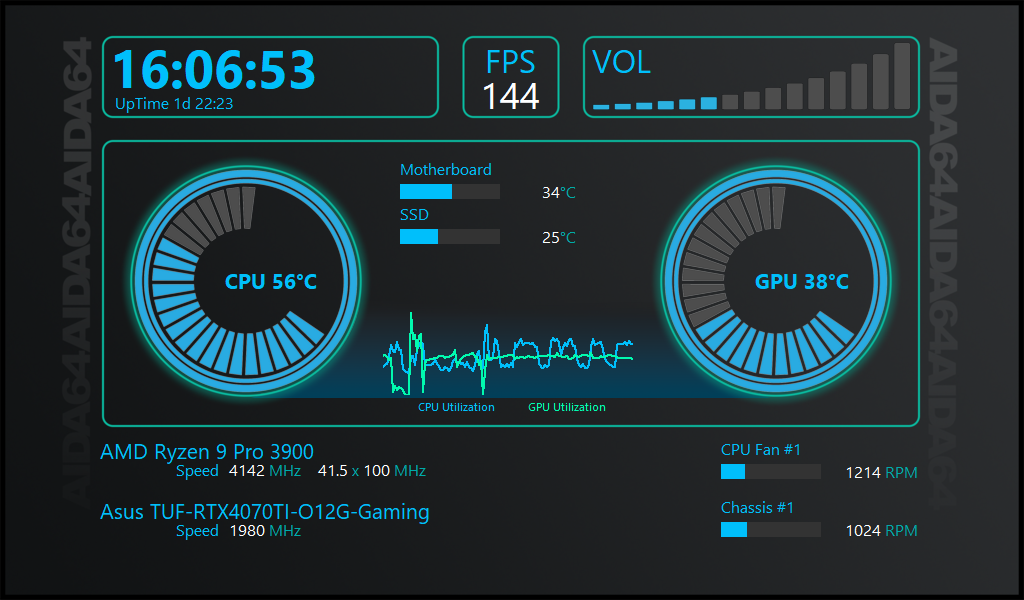
With AIDA64 8.30, we continue to expand the feature set, introducing AIDA FPS, a new module that captures real-time FPS data from DirectX 11 and 12 games and displays it across all existing outputs, including SensorPanel, OSD, tray icons, and logging. This release also enhances hardware detection with improved support for Adaptec RAID arrays and the latest CPUs, GPUs, and other components.
New in AIDA64 8.30
- AIDA FPS (AIDA64 Extreme only)
Works on Windows 10 and 11, supports DirectX 11 and 12 games, and uses minimal system resources. It automatically detects and reports FPS from the game with the highest GPU usage on the system. Refer to the User manual for more details - APX optimized SHA3 benchmark for next-gen architectures
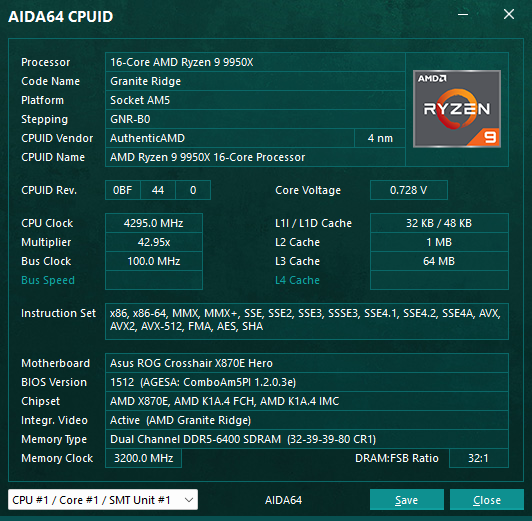
Enhanced SHA3 benchmark optimized with Intel APX for improved performance on Intel Diamond Rapids and Nova Lake. - Support for Intel Core Ultra 250K Plus and 270K Plus (aka Arrow Lake-S Refresh)
- Improved support for Intel Wildcat Lake and Nova Lake CPUs
- Preliminary support for AMD Zen 6 based APUs
- Turing (Turzx) 4.6-inch and 12.3-inch LCD support
- Aqua Computer Ampinel and Thermal Grizzly WireView Pro II sensor support
- Advanced support for Adaptec RAID controllers
Expanded compatibility and improved detection for Adaptec RAID controllers across supported systems. - USB-NVMe passthrough support for Realtek RTL9220
- Support for EXPO 1.2 memory profiles
- GPU details for Intel Arc Pro B65 and Arc Pro B70
- GPU details for nVIDIA RTX Pro 4500 Blackwell Server Edition
Gauge Generator for AIDA64
Alongside the release, FinalWire introduces the first component of AIDA64 SensorPanel Tools, an online tool designed to simplify the creation of graphical gauges for SensorPanel. It allows you to generate circular and bar-style gauges by setting just a few parameters, then download the resulting image set as a ZIP package that can be imported via the SensorPanel Manager. You can quickly experiment with colors, scales, and styles to match your setup, whether you’re building a clean minimalist panel or something more eye-catching. No design skills or external tools needed, just tweak, generate, and drop it into your panel. The tool is available here: Gauge Generator for AIDA64 SensorPanel.
Key Highlights Introduced in AIDA64 8.00
- A brand-new 64-bit engine
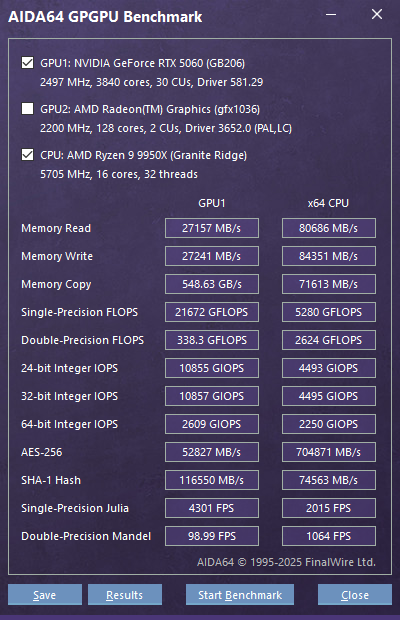
Dramatically faster startup, better responsiveness, and a future-proof technical base. - OpenCL support for NVIDIA RTX 5000 Series
Enables GPGPU benchmarks and stress tests on the latest GeForce cards. - Flawless multi-monitor and per-monitor DPI behavior, more precise multi-display positioning
Revamped SensorPanel monitor pinning, move windows or SensorPanels between monitors, and AIDA64 instantly adjusts. - Full Unicode support
Perfect localization and consistent language switching, without Windows codepage issues. - Native NVMe support for improved detection and reporting
Enhanced NVMe detection and reporting for modern high-performance storage devices. - Windows PE v3.0+ compatibility
AIDA64 now runs smoothly in modern live environments used for diagnostics and recovery. - New SPZIP SensorPanel format
Share, edit, and store layouts with dramatically smaller file sizes.
Compatibility with previous Windows versions
AIDA64 8.x remains fully aligned with its modern 64-bit architecture and no longer supports 32-bit Windows versions or Windows XP x64. This transition ensures improved performance, security, and long-term maintainability. Moving to AIDA64 v8.xx is straightforward, but there are a few important steps to follow. Our migration guide highlights the required adjustments.
Check legacy compatibility of AIDA64 versions.
Online Documentation
We've transitioned from the previous offline user manual to an extended, online version that is always up to date. This new manual offers comprehensive, real-time information and ensures that users have access to the latest guidance and support. By moving to an online format, we can continuously update and improve the content, providing a more efficient and user-friendly experience.
You can reach the Online User Manual here, or by pressing the "F1" key in AIDA64.