AIDA64 EXTREME
Know what’s inside your PC. See how it performs. Build a SensorPanel and make it yours. AIDA64 Extreme brings detailed system information, live monitoring and stress testing together.
Everything under the hood.
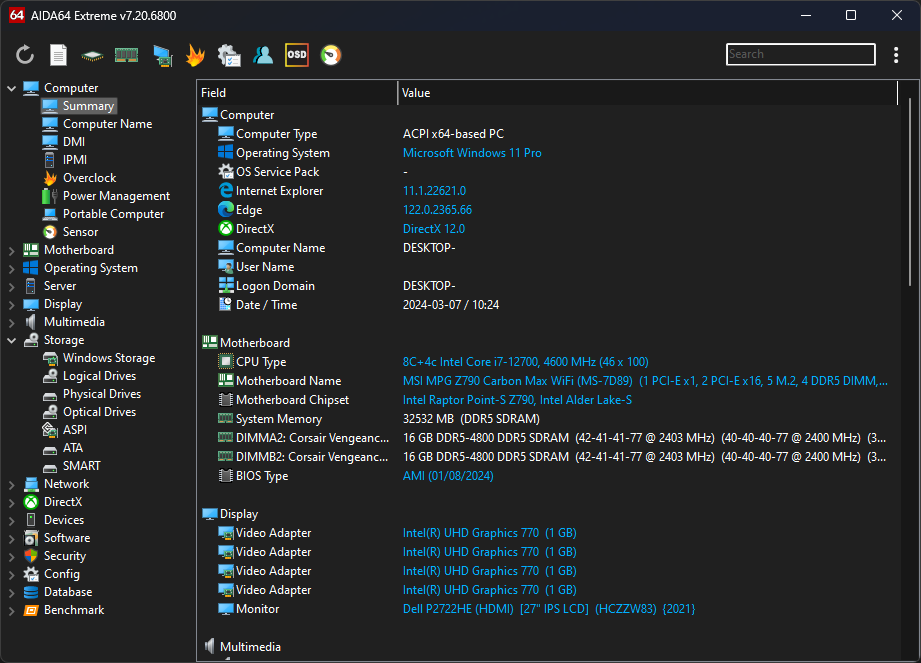
Identify your hardware, follow its vital signs and measure its performance. Get the details you need to understand your PC and make informed upgrades.
01
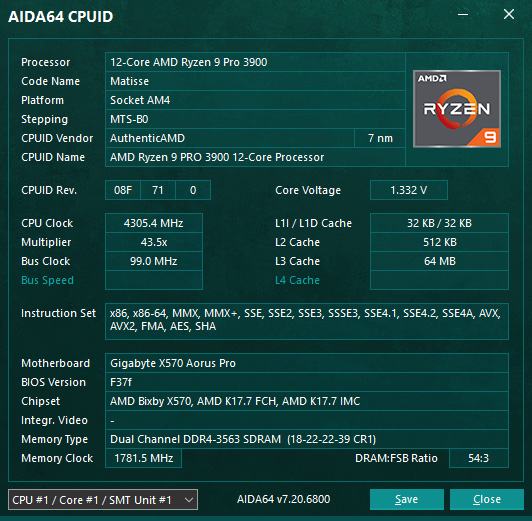
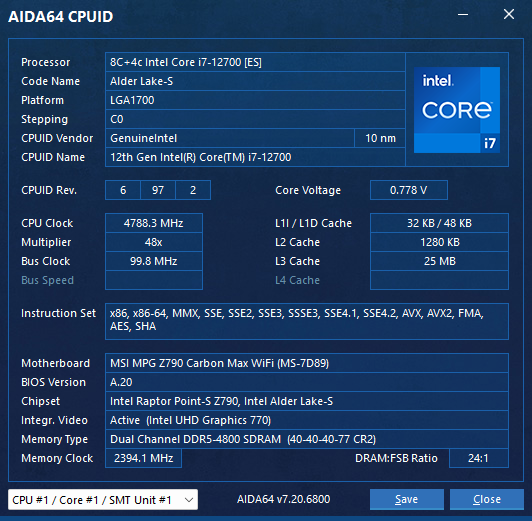
Hardware detection
Identify your processor, motherboard, graphics card, memory, storage and more. Get detailed specifications without opening your PC.
02
Real-time monitoring
Keep an eye on temperatures, fan speeds, voltages and power consumption. Spot potential cooling or performance issues before they become problems.
03
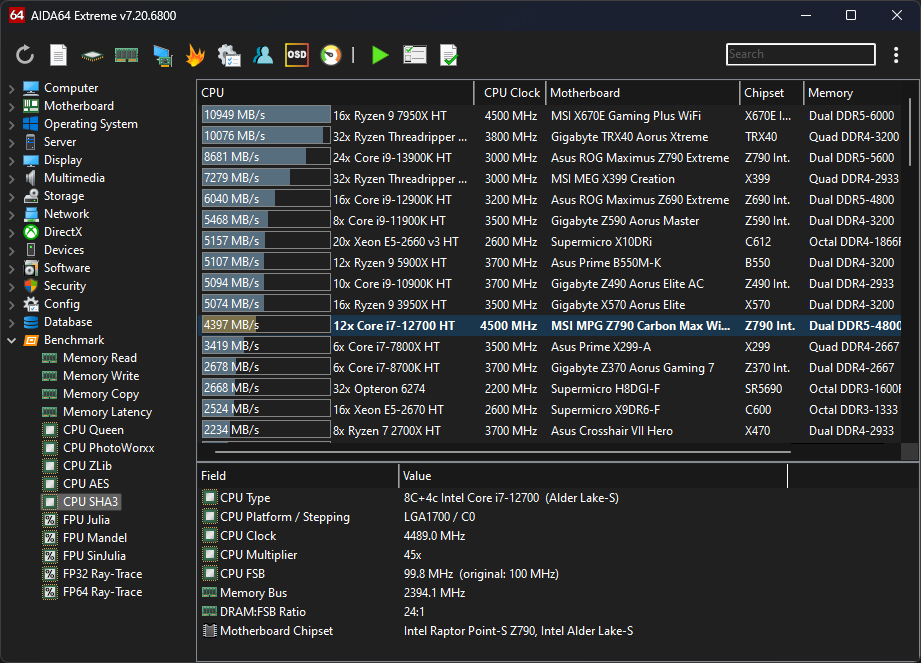
Performance benchmarks
Measure CPU and memory performance, compare results, and see how hardware upgrades or tuning affect your system.
Your PC, visualized your way.
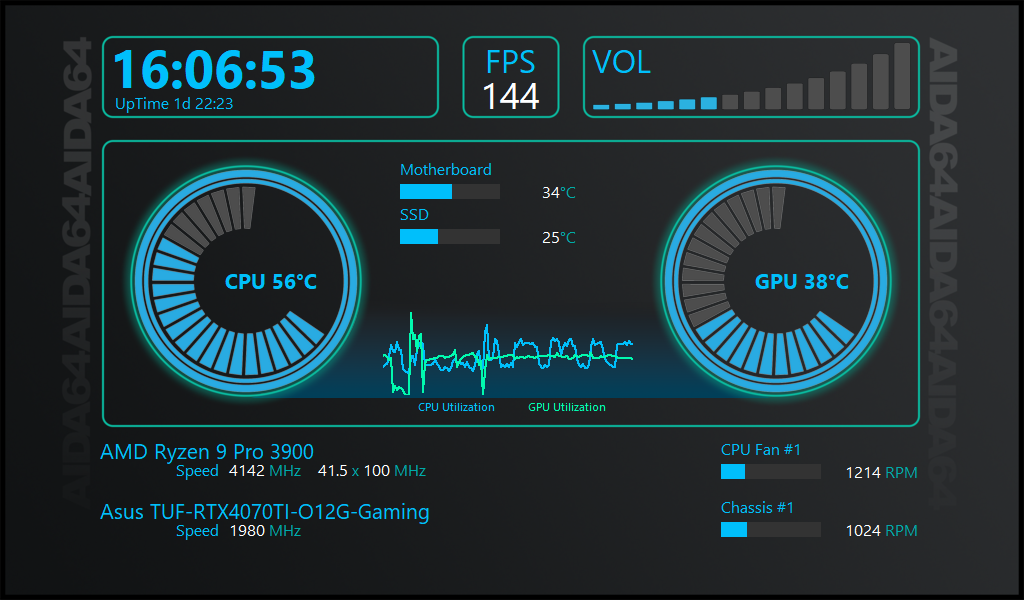
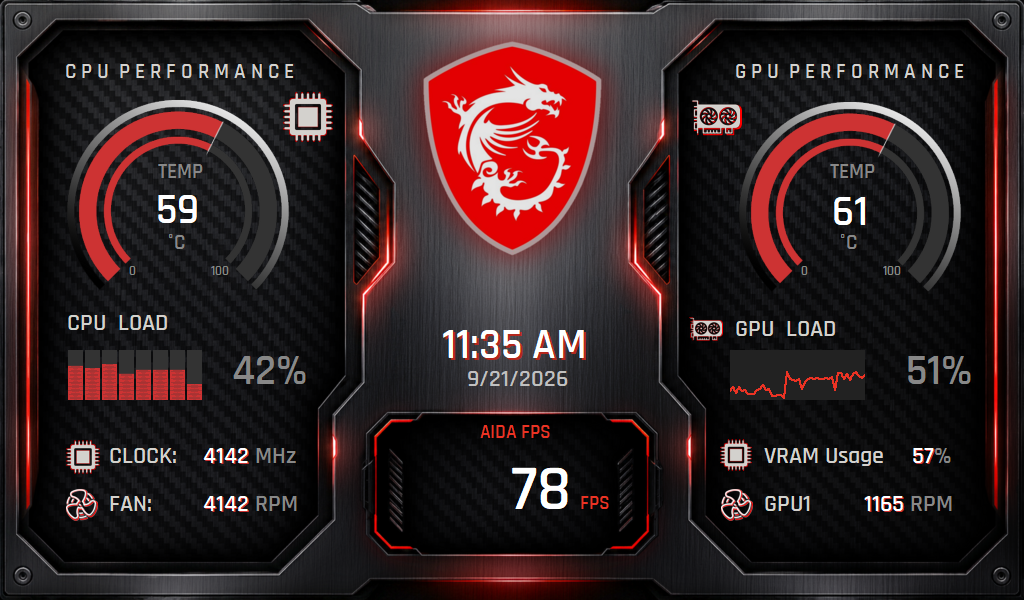
Transform real-time hardware data into a personalized dashboard. Design custom gauges, graphs, and layouts with SensorPanel, display them on your desktop or a dedicated monitor, or bring your system stats to life on supported external LCD devices.
- Customize every gauge, graph, label and background
- See temperatures, fan speeds, voltages and system usage
- Pin your panel to a chosen monitor
- Display live readings on supported external LCD devices
See what your PC is really made of.
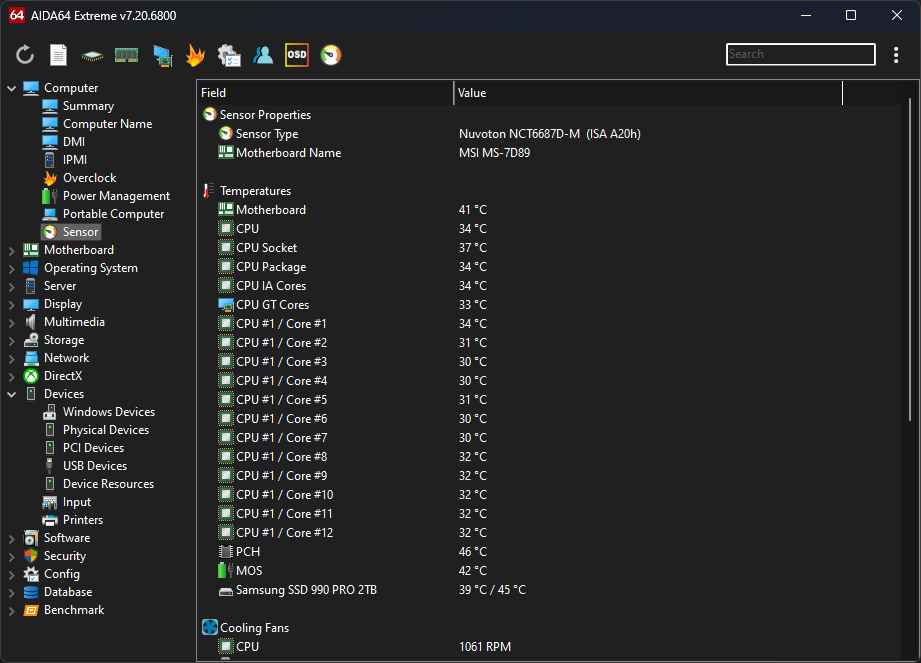
Go beyond model names. Explore component specifications and sensor readings alongside installed software, drivers and Windows configuration. Find the details that help you plan an upgrade or investigate a problem.
- More than 50 pages of hardware information
- Processor, BIOS, memory, graphics and storage details
- Installed applications, security software and Windows settings
Confidence under load.
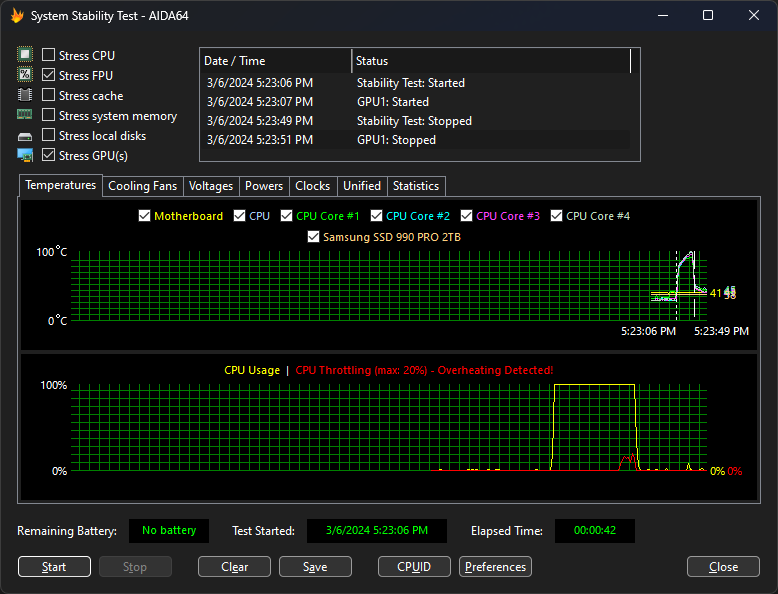
Check how your PC responds to demanding workloads. Stress components individually or together, watch temperatures and CPU usage, and assess cooling or stability after changing your hardware or settings.
- Select CPU, FPU, cache, memory, disk and GPU stress tests
- Use the FPU-only test to challenge processor cooling
- Follow live graphs and review minimum, maximum and average readings
Your PC, documented in detail.
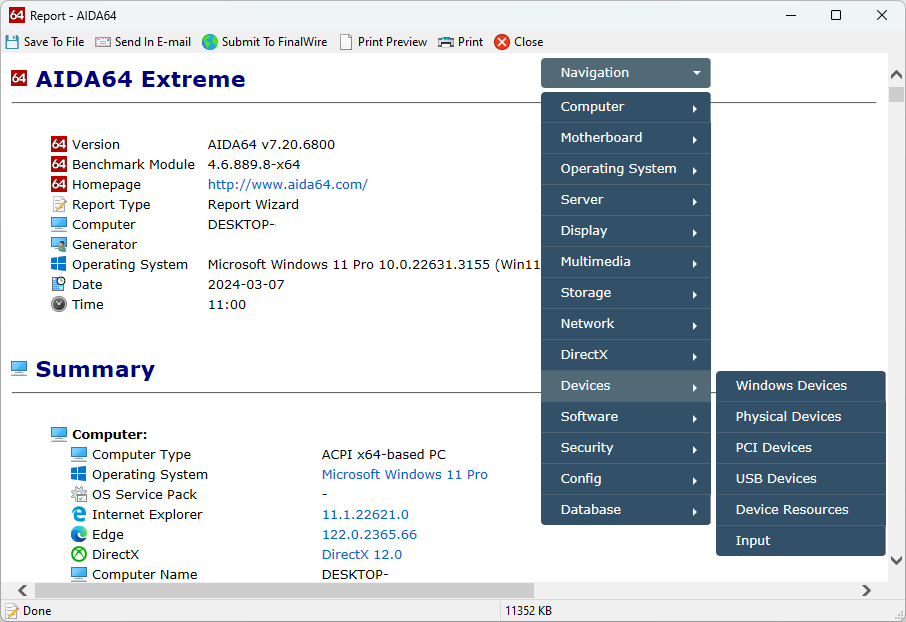
Turn comprehensive system information into reports you can save, review and share. Capture hardware and software configurations to help troubleshoot problems, document your setup or keep a record before upgrading.
- Generate detailed hardware and software reports
- Export reports in HTML and other supported formats
- Keep a record of your system configuration
Take control of your hardware.
Start your free 30-day trial and get to know your PC better.