


You downloaded an attractive SensorPanel, but after importing it, it doesn't look quite the way you expected. This usually happens because a font used by the designer is missing from your computer, causing AIDA64 to substitute it with a default system font.
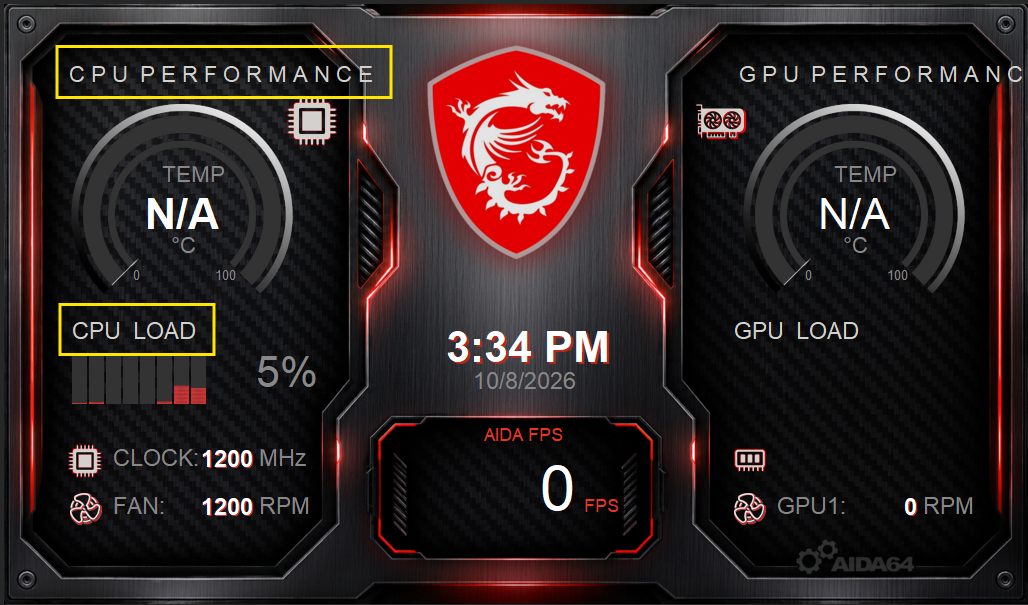
Newer versions of AIDA64 will display a warning listing the names of any missing fonts. Since AIDA64 cannot automatically install fonts on your system, you will need to install them manually.
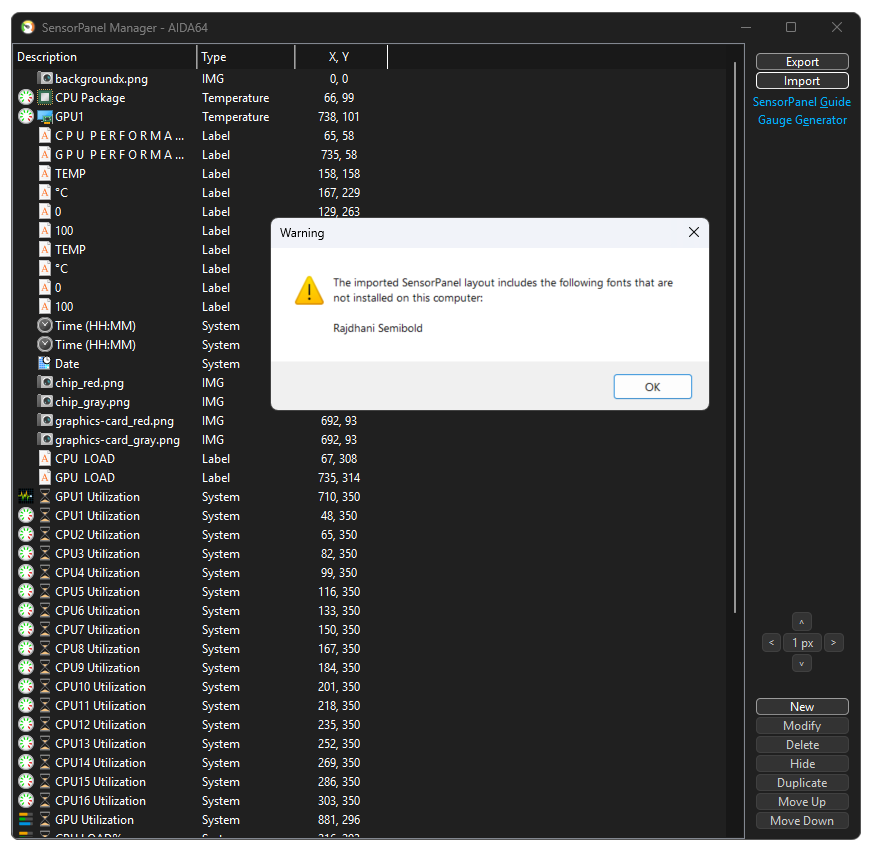
How to obtain and install the missing font?
- Check the SensorPanel folder: If the creator included the font, the .ttf file will be available inside the AIDA64 SensorPanel folder after importing the panel (or inside the .spzip archive).
- Download from the web: If the font was not included, search for the font name online (e.g., via Google Search).
- Install the font: Double-click the downloaded .ttf file and click Install.
https://www.google.com/search?q=rajdhani+semiboldOnce installed, AIDA64 should automatically update the labels. Be sure to install all missing fonts listed in the warning.
Available in the following products:
AIDA64 Extreme
AIDA64 Business
AIDA64 Engineer